Start with an inventory
Gather details of the CMS version, extensions, modifications and environment. Establish which elements are standard and which were built for the website. Without this, dependencies and the scope of testing are difficult to assess.
Identify the person who manages hosting and access. Share the details needed for the work through an agreed channel rather than putting passwords in an ordinary support request.
A patch and a major version upgrade are different tasks
Establish whether the work involves a routine patch, extension updates or a move to a major CMS version. A larger change may require adjustments to the theme, modules and custom code, sometimes with a separate migration. Timing and testing depend on those specific dependencies. Security patches need prompt risk assessment and a deployment plan, rather than automatically postponing every change.
Check the key user journeys
- Signing in and editing content.
- Forms and message delivery.
- Search, catalogues and other important features.
- Use on mobile devices.
The checks depend on the website. A copy in a test environment helps you assess a change before applying it to the live site.
Agree a maintenance window and rollback plan
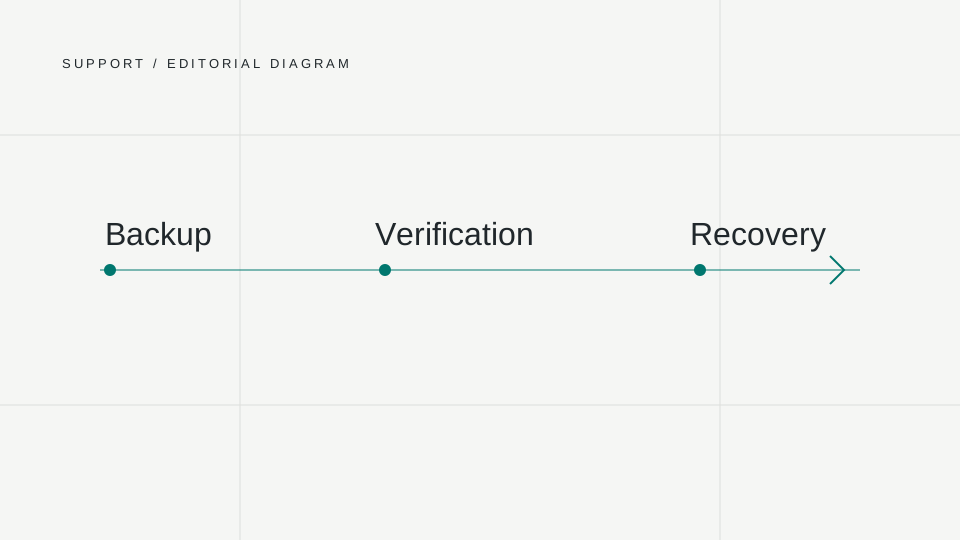
Before the update, confirm how the backup will be made and whether it can be restored. Agree who decides what to do if there is a problem and how the system will be checked afterwards. Support arrangements depend on the agreed service and infrastructure.
What happens to data created during the work?
Restoring the database to its pre-update state can remove newer enquiries, orders or content changes. Before work starts, agree whether data entry needs to pause, for how long and how to handle operations made in the meantime. Having a backup alone does not resolve this. Record who will check forms, sign-in and editing after deployment, and when the update will be considered complete.
Read more about preparing a backup and a system recovery test.
LET’S TALK ABOUT YOUR PROJECT
Let’s talk about your project.
Tell us what you want to change. We will help define the scope and next steps.
Contact us